

Appearance
How To Contact Support
We are here to help you succeed with FluentCommunity! If you've run into an issue that you can't solve with our documentation or FAQ, our dedicated support team is ready to assist you.
Before You Contact Support
To help us resolve your issue as quickly as possible, please take a moment to do the following:
- Check the Documentation: Ensure you have reviewed the relevant articles in this knowledge base. The answer to your question may already be here.
- Check for Conflicts: Temporarily deactivate other plugins to see if the issue persists. This helps determine if there is a conflict with another plugin.
- Enable Debugging (If Applicable): If you are experiencing a critical error, enabling WordPress debugging can provide an error message that is extremely helpful for our team.
How to Create a Support Ticket
The official way to receive technical support is by creating a support ticket through our website.
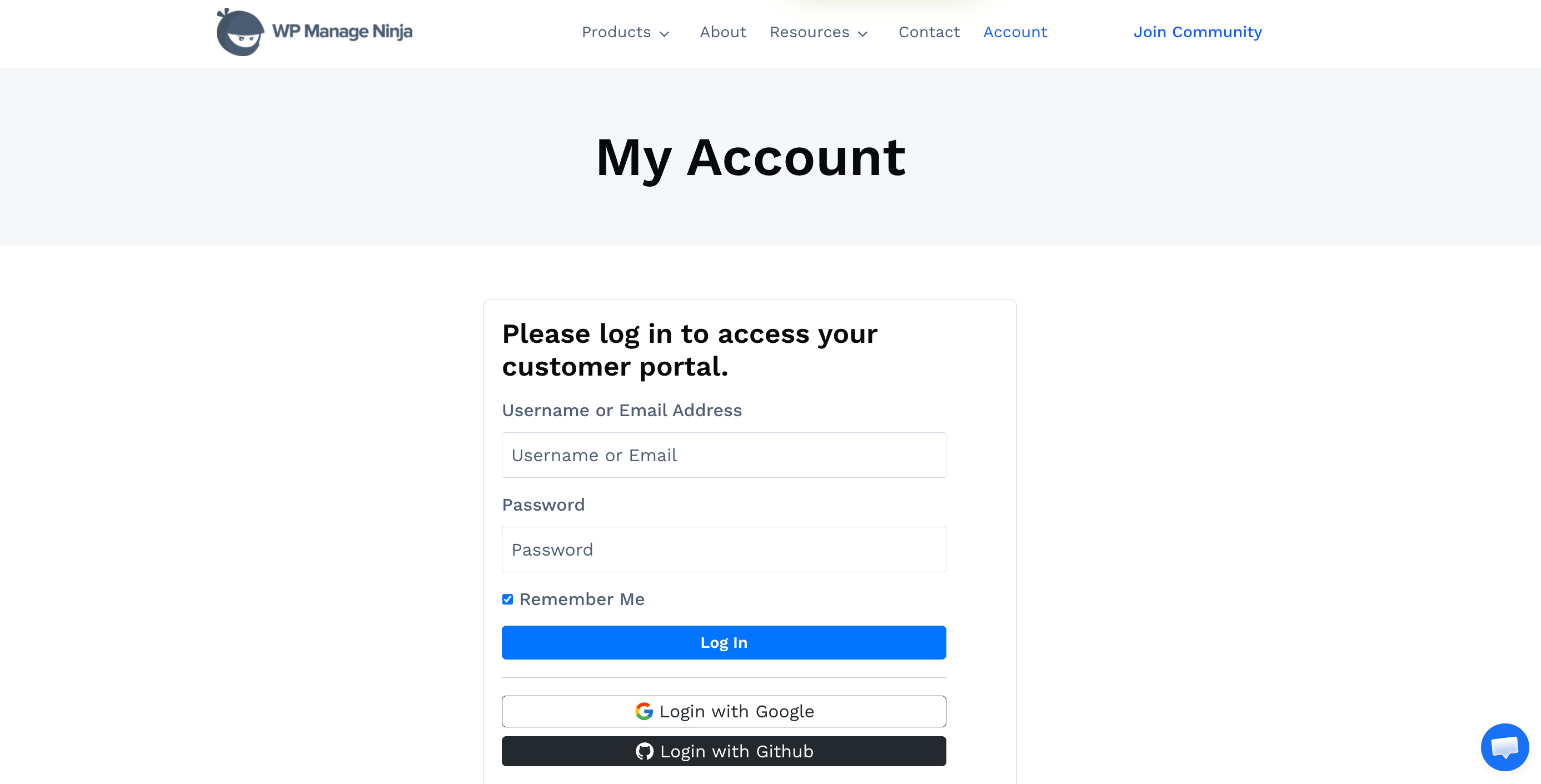
- Go to the WPManageNinja support portal.
- Log in to your account. You must have an active license for FluentCommunity Pro to receive priority support.
- Find the "Create a New Ticket" or a similar button.
- Fill out the form with as much detail as possible.
What Information to Include
To ensure our support engineers can help you efficiently, please include the following in your ticket:
- A Clear Subject Line: Briefly describe the problem.
- A Detailed Description: Explain the issue you are facing, what you were trying to do, and what you expected to happen.
- Steps to Reproduce: Provide a step-by-step list of the actions you took that led to the issue.
- Screenshots or Screencasts: A picture is worth a thousand words. Please include screenshots of the problem area. A short screen recording is even better.
- Your Site's Status: It's helpful to include your PHP version and WordPress version.
Note: Providing detailed information upfront will significantly speed up the support process and reduce the back-and-forth communication needed to diagnose the problem.
Related Resources
Before contacting support, make sure you've checked these resources:
- FAQ: Frequently Asked Questions - Common questions and answers
- Troubleshooting: Troubleshooting Common Issues - Solutions to frequent problems
- Documentation: Browse our complete documentation for step-by-step guides
- Admin Dashboard: Admin Dashboard - Check your plugin status and version