Appearance
The Media Module
The Media Module controls where FluentCommunity stores the images, videos, and files your members upload. Choosing the right storage option keeps media loading quickly and stops uploads from filling up your server.
Access Media Settings
Go to the FluentCommunity Settings and select the Features & Addons section from the left sidebar. Find the Media Module option and click the Configure button to open its settings.
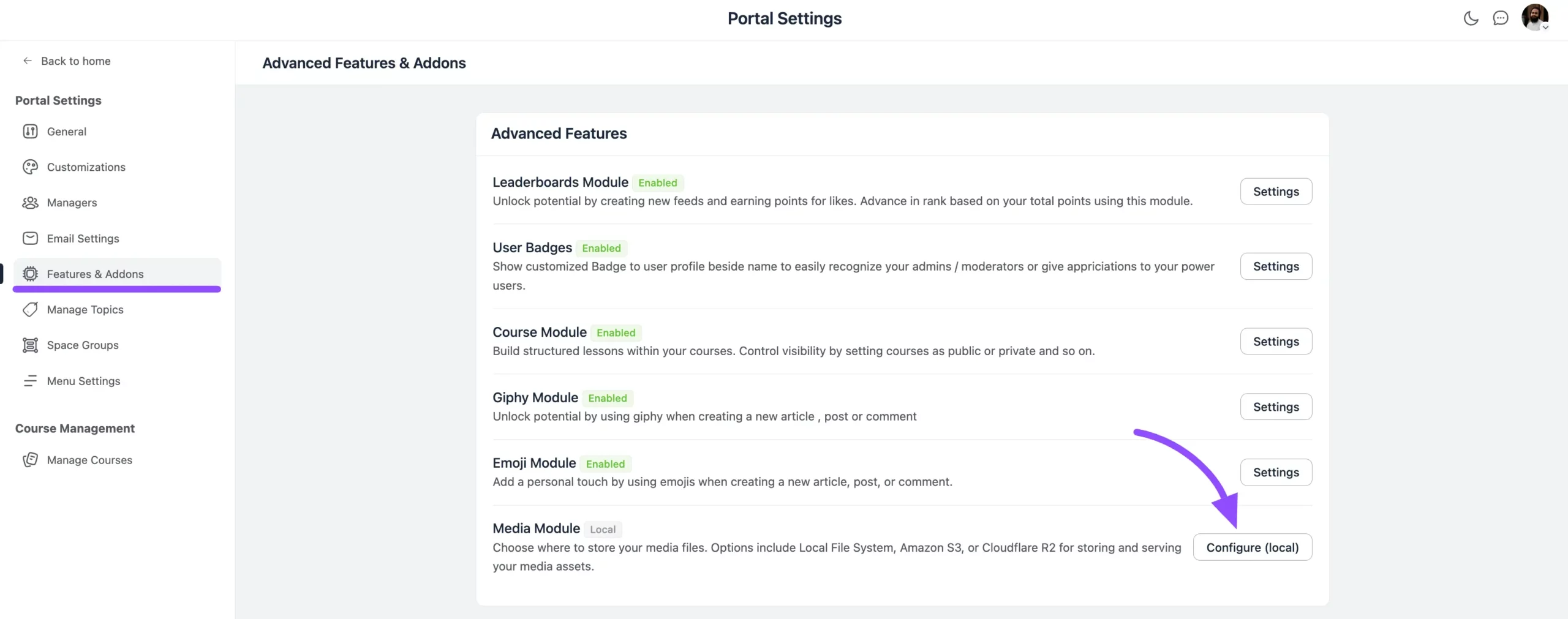
Under Community Media Storage, you can choose from four storage options:
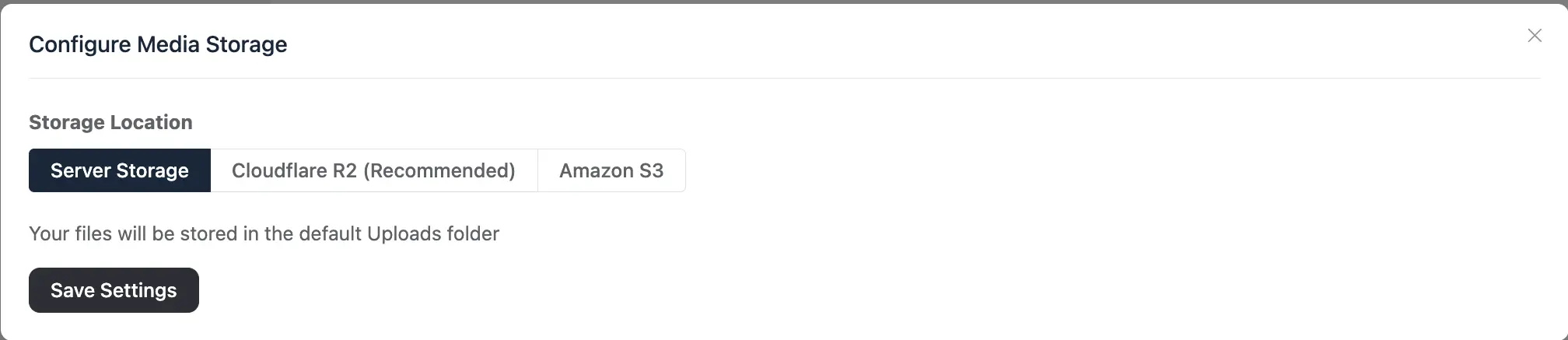
- Server Storage
- Cloudflare R2 Storage
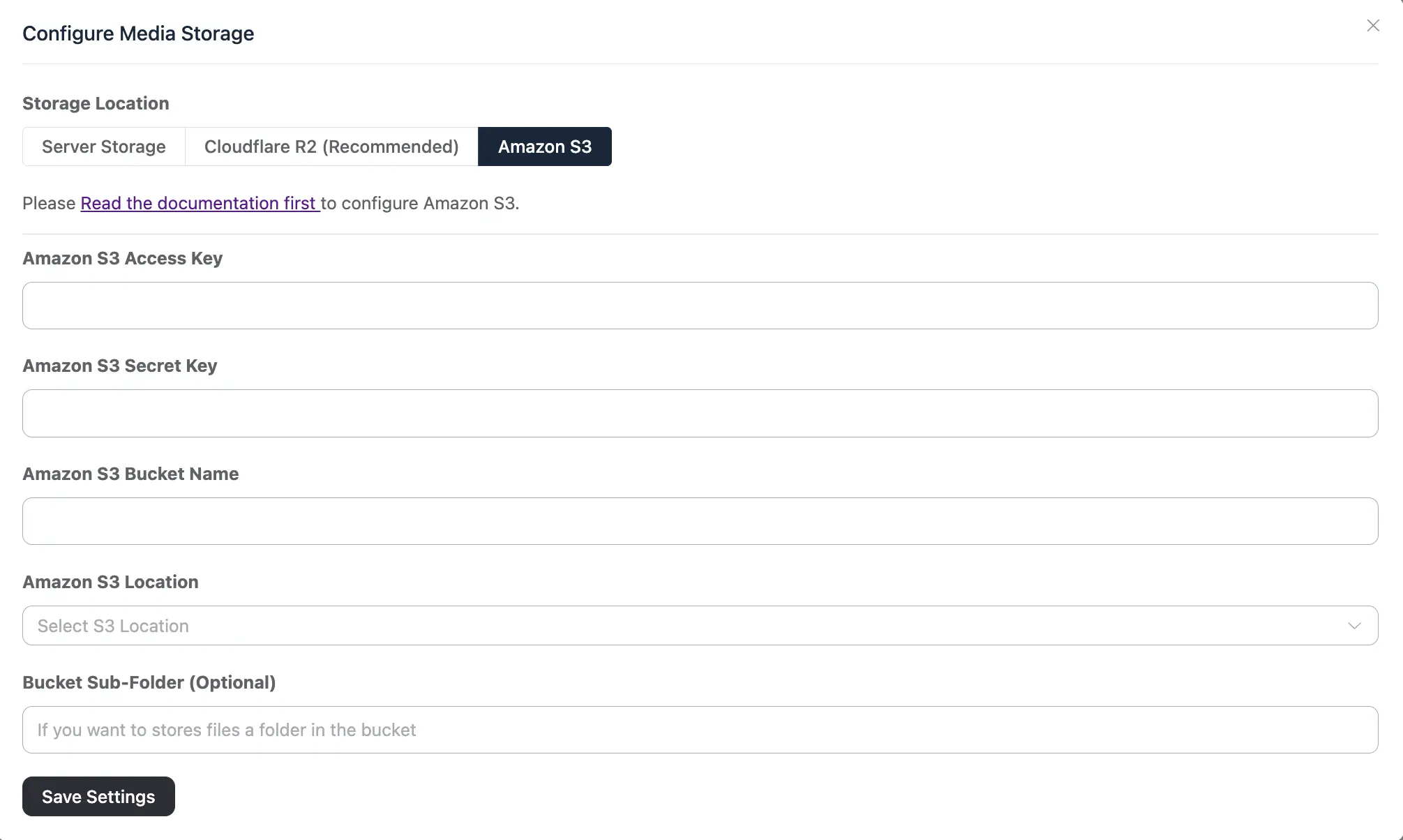
- Amazon S3 Storage
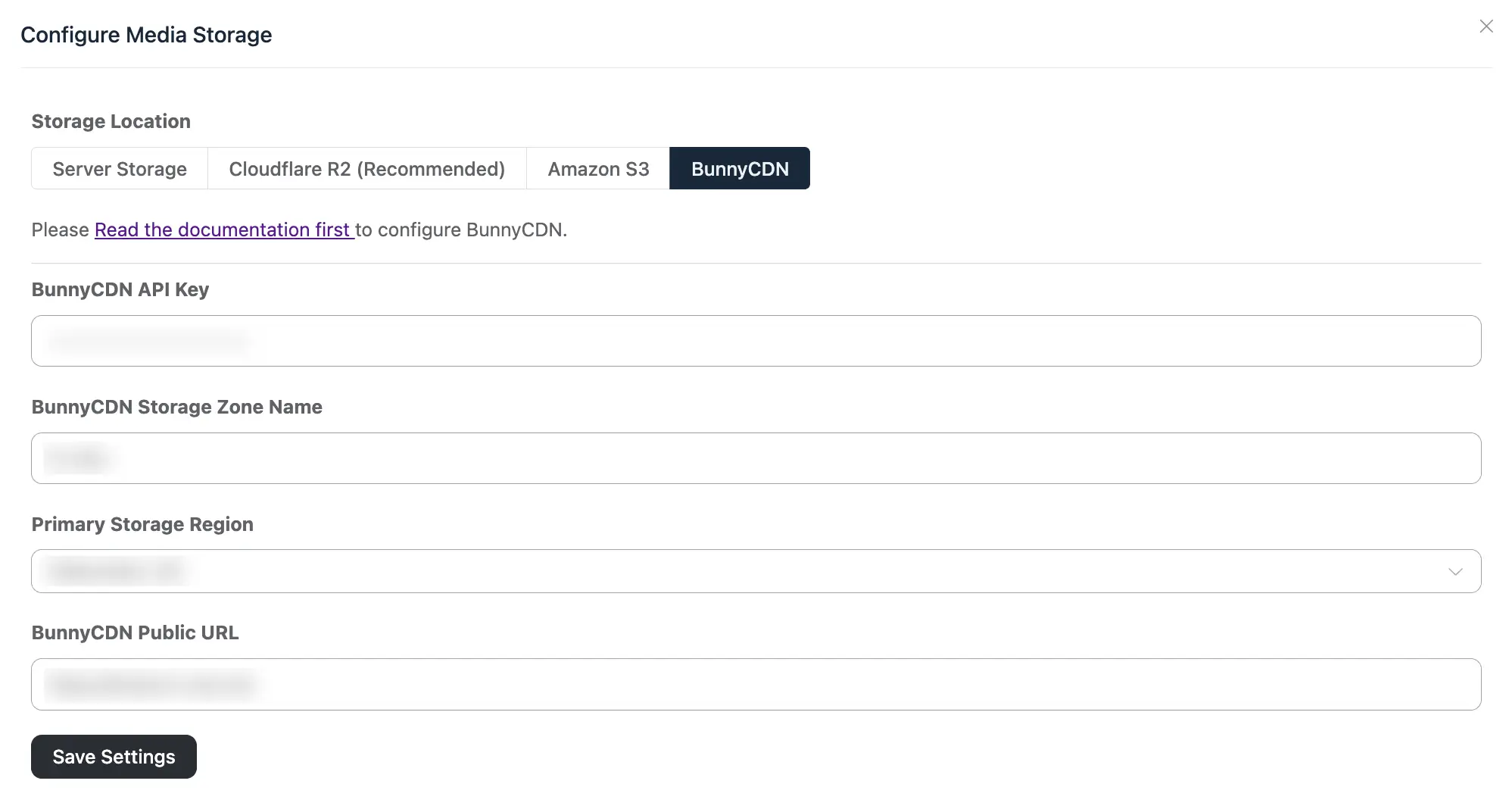
- BunnyCDN
Server Storage: This option saves your content to the Fluent-Community folder located within the WordPress Uploads directory on your site.
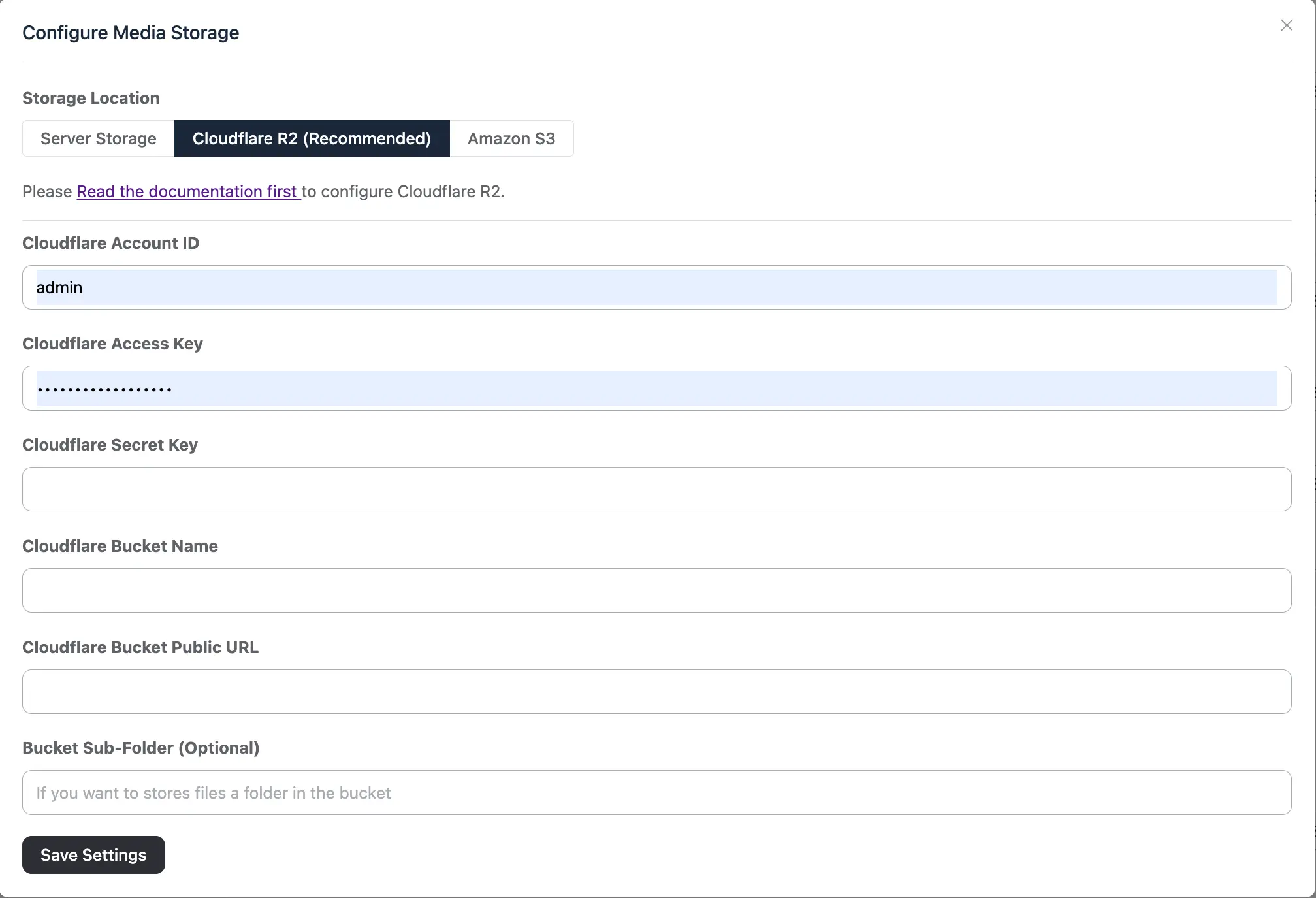
Cloudflare R2: Cloudflare R2 is a cloud storage service you can use for your community media. To set it up, see the Configuring Cloudflare R2 guide.
Amazon S3: Amazon S3 is another cloud storage service where you can store your community media files. You need to configure the S3 bucket before you can use it — see the Configuring Amazon S3 guide.
BunnyCDN: BunnyCDN is a cloud storage and delivery service you can use to store your community media. To connect it, see the Configuring BunnyCDN guide.