Appearance
Post Reactions & Mentions
Beyond structured comments, FluentCommunity provides two powerful features for quick engagement and direct communication: Reactions and Mentions. These tools help foster a more interactive and connected environment for your members.
Using Reactions
Reactions are a quick, one-click way for members to express their feelings about a post or a comment without having to write a full response.
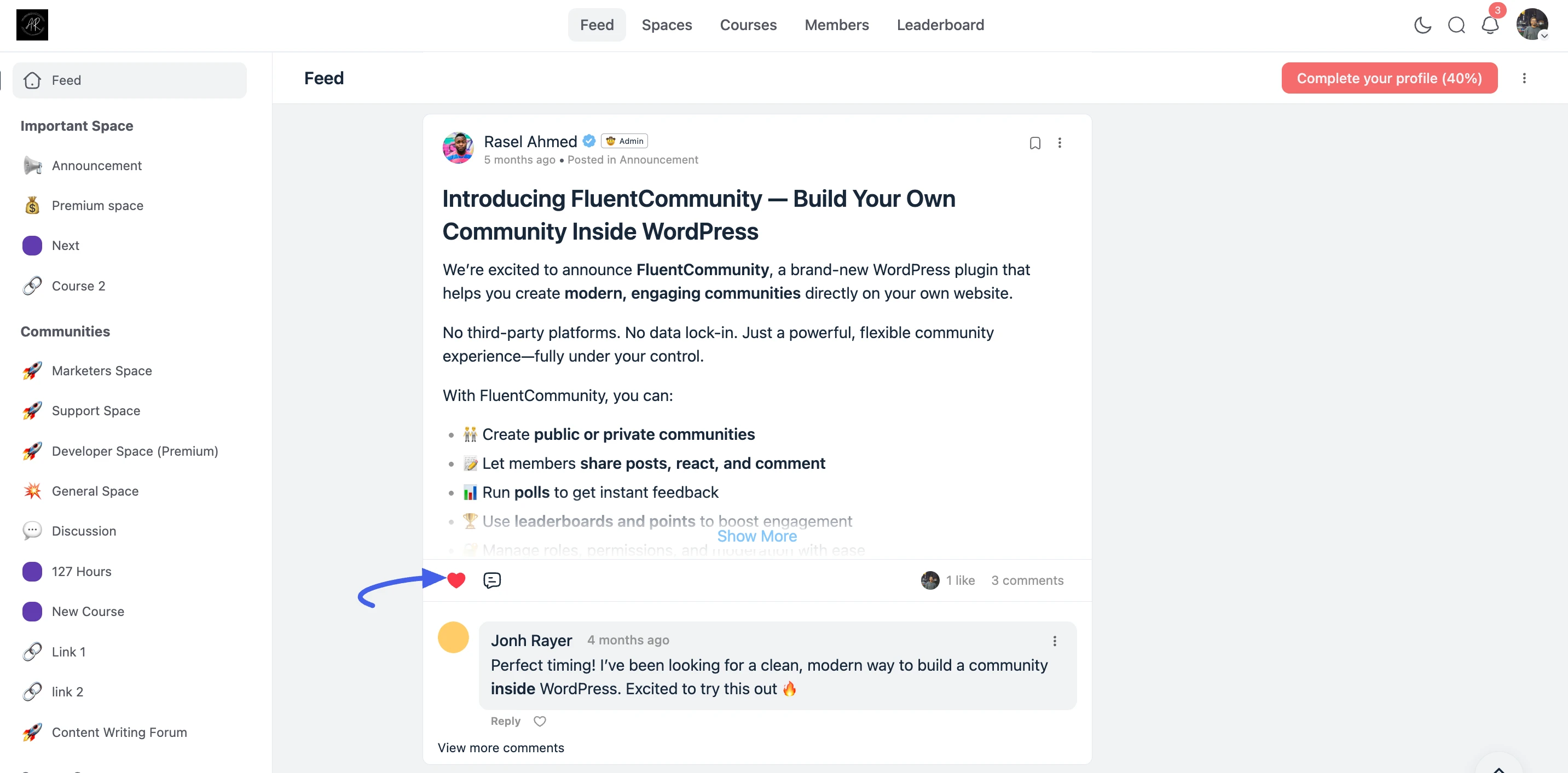
- Reacting to a Post: Below any post in the feed, you will see a reaction icon (heart). Click it to express your appreciation for the content.
- Reacting to Comments: Similarly, you can react to individual comments by clicking the reaction icon located directly beneath the comment text.
- Visual Feedback: The total count of reactions is displayed on the post or comment, providing immediate visual feedback to the author and other members.
Using Mentions (@) to Tag Members
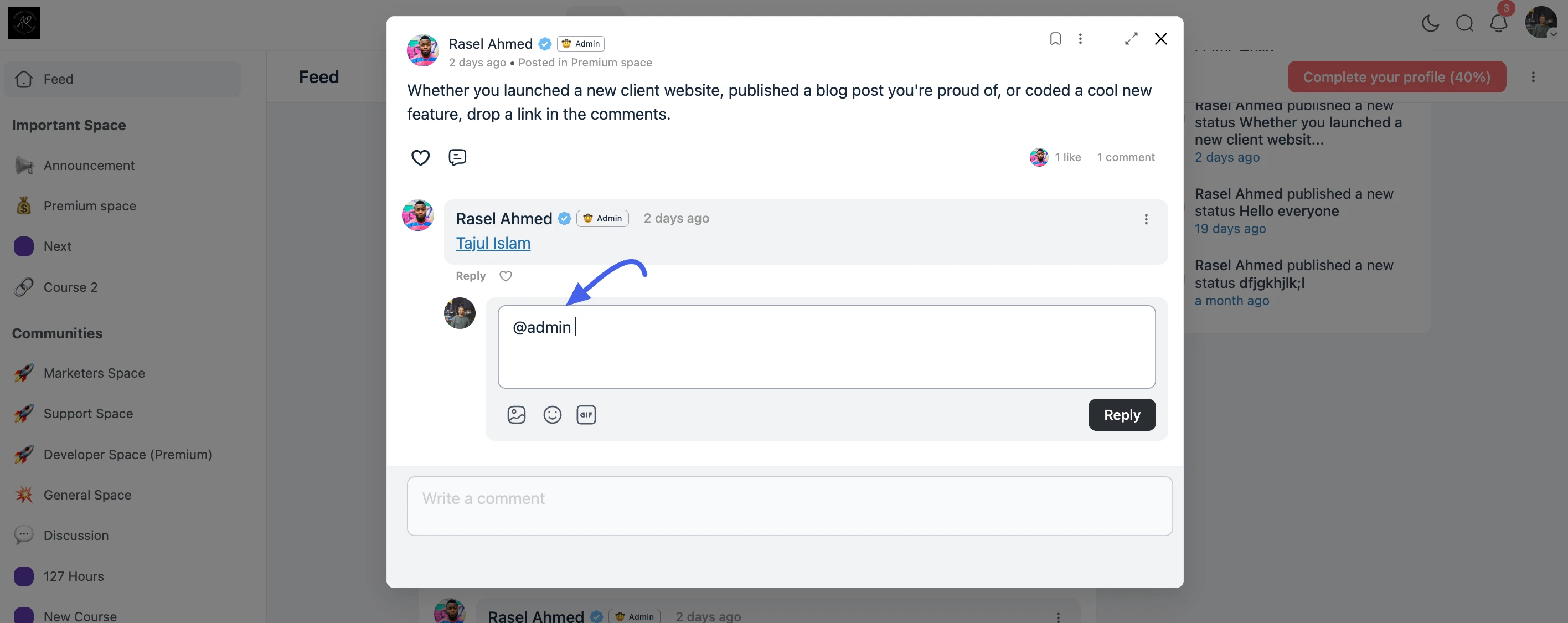
Mentions are the most effective way to get another member's attention or pull them into a specific conversation. When you mention a member, they receive a direct notification, ensuring they don't miss the update.
- Initiate a Mention: While writing a post, comment, or private message, type the @ symbol.
- Search for Members: Begin typing the name of the member you want to tag.
- Select from Dropdown: A dropdown list of matching members will appear automatically; simply click the correct member to select them.
- Clickable Links: Once published, the mentioned user's name appears as a clickable link. This is perfect for asking specific questions, giving credit, or highlighting important updates for key stakeholders.
✨ Note: To prevent spam, you can typically only mention users who are members of the same Space where you are posting.